Restaurant toolkit
21 September 2026


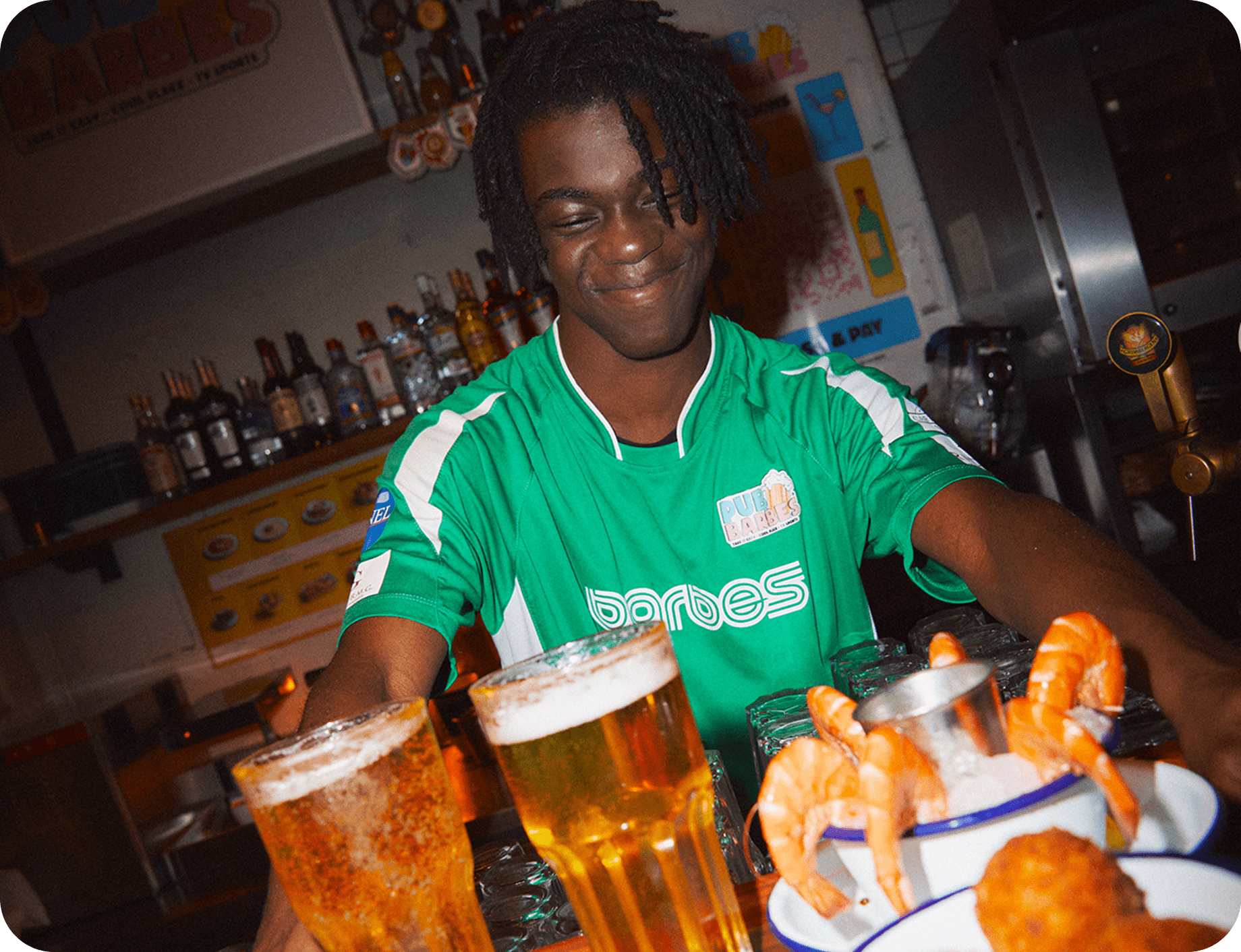
A pub queue does not only delay the first drink. It can also delay the next round, a food order or a top up when the bar team is handling several requests. The same bottleneck can affect guests across the room.
sunday Order & Pay gives guests another route. They scan a QR code, open the pub’s menu, choose drinks or food, add extras, pay and send the order without waiting for someone at the bar. The team still prepares and serves the order, while staff can spend more time on guests who need help.
Order & Pay can help a pub:
The effect depends on the menu, service model, POS connection and staff guidance. A QR code is not a substitute for a service plan.
Pub visits can include more than one order. Guests may start with drinks, add food, order another round, then ask for a side or dessert. Each request can compete for the attention of the same bar team.
This matters on Friday evenings, match days, terraces and other periods when many guests want the same thing at once. If a guest has to wait to place a simple repeat order, the pub can lose the sale or create another wave of people at the bar.
Reducing long wait times with QR ordering covers this problem in general restaurant settings. For a pub, the relevant question is where the order starts. If the answer is always the bar, the bar remains the queue.
Ordering and payment can create different delays. Order & Pay addresses ordering and lets guests pay from the same phone. A pub can keep another payment route for guests who want help at the end of a table visit.
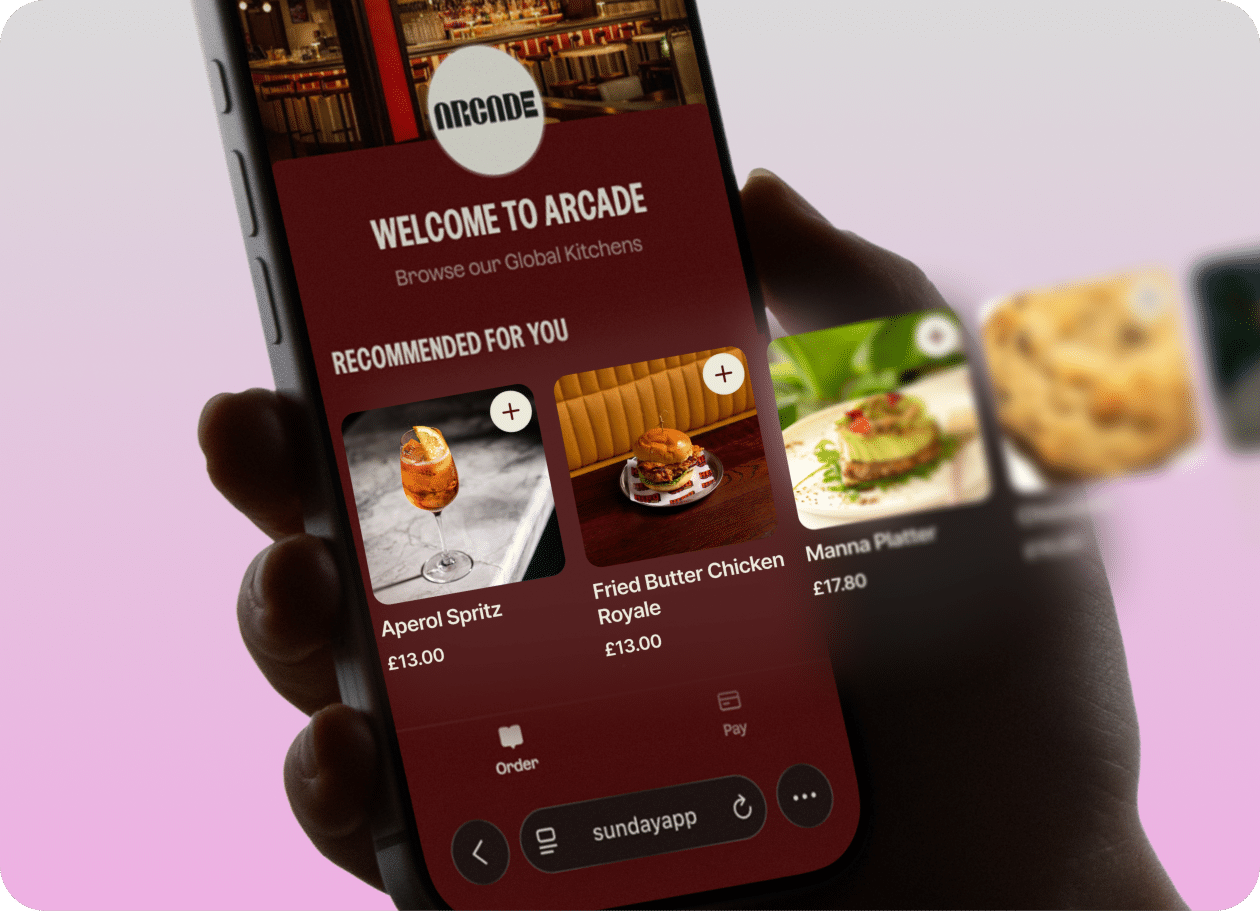
Digital menus give a pub one place to present drinks, food and add ons. A digital menu for pub service opens through a QR code. The guest can browse categories, see available items, select modifiers, add extras and send the order. The menu can support repeat purchases without asking the guest to join another queue.
sunday Order & Pay supports service at table, pickup and takeaway configurations. For a pub, service at table can send the order to the area where the team prepares it, while pickup can suit a counter or collection point. The operator chooses the setup for each area rather than forcing one workflow across the whole venue.
Reordering is part of the flow. A guest can return to the menu for another drink, dessert or side without waiting for a server to notice. That does not remove staff from the experience. It removes one repeated request from the bar team’s workload.
Order & Pay needs a menu catalogue connection with the POS. The aim is to keep item names, prices, modifiers and availability aligned between the guest menu and the system the team already uses.
When a guest places an order, the pub receives it in the POS and prepares and serves it through its normal operation. The guide to connecting QR ordering with an existing till explains why menu mapping and workflow tests matter before launch.
POS integration also affects what happens when a product sells out or a price changes. Decide who updates the menu, where orders appear, which printer or kitchen screen receives them and who checks that the order reached the right area. This prevents a queue at the bar from becoming a backlog in the kitchen.
Some guests want to order from staff. Others want to avoid the queue and manage the visit from their phone. A pub can support both behaviours.
Train the team to offer the QR option in a short sentence: “You can scan here to order and pay when you are ready, or I can take your order.” This gives guests a choice and makes the purpose of the code clear.
Staff still need to answer questions about allergens, substitutions, drinks, accessibility and payment. Those conversations are not routine data entry. They need judgement and a human response.
The sunday guide on how tableside ordering simplifies a server’s job covers the same division of work: the system handles routine order entry while staff stay available for service.
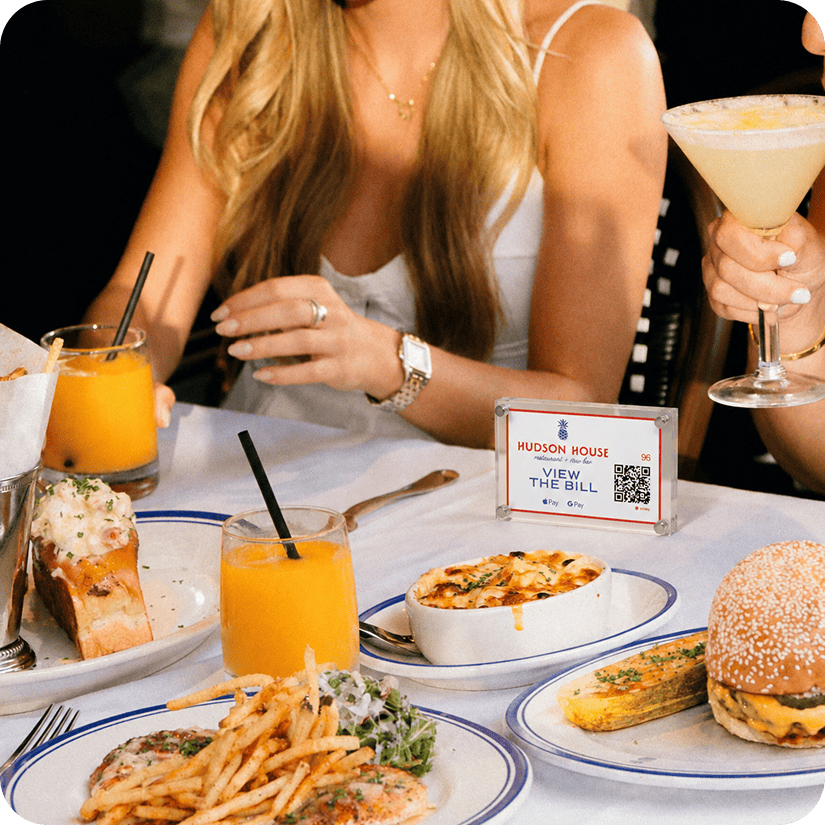
A QR code should sit where guests decide what to buy. That may be on a table card, a table marker, a menu or another branded sign. The placement should be visible without making the room feel covered in instructions.
Use plain language beside the code. Tell guests that they can order drinks or food, pay and request table delivery or pickup, depending on the area. A code with no explanation creates hesitation.
A pub does not need to change the full operation in one day. Start with the area where queues are most visible, such as a terrace, sports room or table service section.
Ask the team which orders create the most walking and waiting. Use that answer to choose the first menu, service type and QR placement. Review the process after busy shifts, then decide whether another area needs the same setup.
Measure the existing process before launch. Record the time from a guest request to an order reaching the bar, the number of repeat orders that require staff intervention and the number of corrections caused by unclear notes or manual entry.
After launch, compare the same measures for QR orders and staff taken orders. Also review:
A restaurant technology panel put the point plainly: “Frictionless technology, when used for payment and in kiosks, can speed up service and increase efficiency. It will really enhance the dining experience.” The principle supports the test: use technology where it removes a service delay, then keep staff focused on the guest experience.
Do not judge the rollout only by the size of the queue. A shorter line can hide a new problem if the kitchen receives orders faster than it can prepare them. Review the whole path from scan to service.
Order & Pay fits a pub with repeat orders, a clear service area and a team that spends time moving between tables, the bar and the POS. It can support drinks led service, food orders and venues where guests want to stay in their seat.
It does not solve an empty keg, a slow kitchen, weak Wi Fi or unclear table numbering. It also cannot replace staff guidance for guests who need support. Those limits should form part of the rollout plan.
A pub should check its POS compatibility, menu structure and service types before choosing a launch date. The team should run test orders for drinks, food, modifiers, payment, refunds and sold out items. It should also decide who owns menu changes during service.
Queues at the bar often begin before payment. They start when a guest wants another drink or dish but cannot place the order without joining the same line as everyone else.
sunday Order & Pay gives pubs a way to move that routine moment to the guest’s phone. Guests can browse a digital menu, order, pay and choose how the order reaches them. The team remains responsible for preparation, service and human support.
Start small. Identify the busiest ordering queue, connect the menu to the POS, train the team and measure the journey from scan to service. If the flow fits the venue, Order & Pay can help the pub serve guests without making every order depend on the bar.